IT Managed Services
Managed technology operations covering endpoints, users, infrastructure, incidents, maintenance and service reporting.
Overview
Day-to-day managed IT: helpdesk, laptop setup, security and device policies, and user support.
- Service deskTicketing with priority routing against agreed SLAs.
- ResolutionRemote tools or onsite visits.
- EnrolmentDevices imaged and enrolled through Windows Autopilot and Intune.
- PolicyPassword, encryption and screen-lock policies and software deployed automatically.
Technical scope
- Helpdesk and service desk with SLAs
- Laptop and desktop setup and imaging
- Security policies: passwords, encryption and screen lock
- MDM policies with Intune
- User onboarding and offboarding
- Software deployment and updates
- Asset inventory and reporting
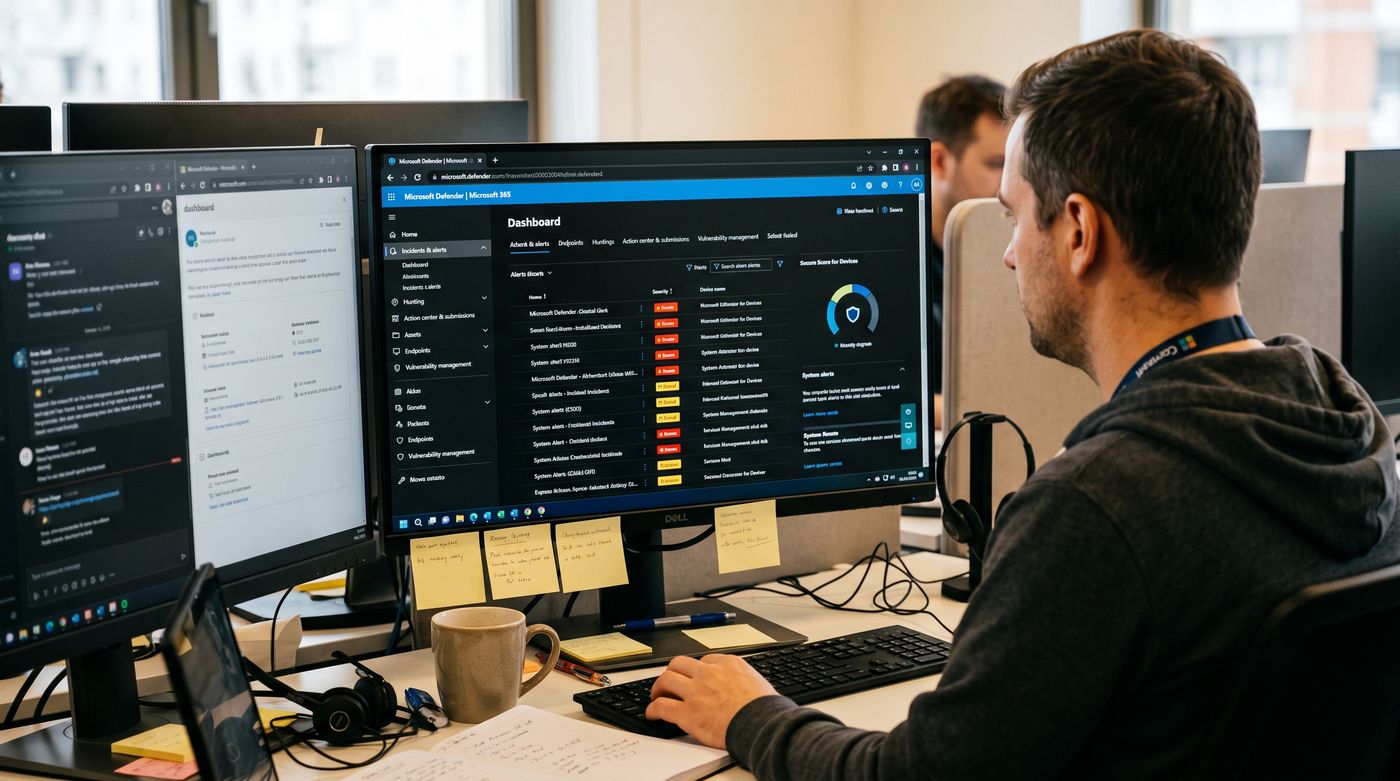
Architecture and how it works
Requests enter a ticketing system and are routed by priority, then resolved by remote tools or onsite visits. Devices are enrolled in MDM so policies and software deploy automatically.
Delivery process
- 01
Onboard
Onboard users and assets
- 02
Standardise
Define standard images and policies
- 03
Support
Run the helpdesk to SLA
- 04
Patch
Patch and update
- 05
Report
Report and review monthly
Tools and deliverables
Service documentation sets out ticket categories, priorities and SLA targets, device build standards and enrolment profiles, and onboarding and offboarding steps. Monthly reports show ticket volumes, resolution times and asset inventory changes.
Deliverables
- Standard build and policy documents
- SLA and priority matrix
- Asset register
- Monthly service report

Common questions
How are tickets routed and resolved?
Requests enter a ticketing system and are routed by priority against SLA targets, then resolved through remote support tools or onsite visits. Every action is recorded in the ticket history, which gives a full audit trail for each request and the data needed to report on response and resolution times against the SLA.
How are devices enrolled and managed?
Devices are imaged and enrolled through Windows Autopilot and Intune, so policies, applications and updates apply automatically without manual setup on each machine. A new laptop can be shipped to a user and configured at first sign-in, which keeps every device on the same standard build and security baseline from day one.
Which security policies are enforced on devices?
Password, disk encryption and screen-lock policies are delivered through Intune MDM to every enrolled device. Compliance status is visible for each device, so non-compliant machines can be identified and fixed, and conditional access can limit what they reach until they meet the standard defined for your organisation.
How are users onboarded and offboarded securely?
Accounts, groups and devices are set up through a standard process in Microsoft Entra ID, so new users get the right access from day one. On offboarding, access is removed and the device is recovered or reset, which closes the gap that leftover accounts and unmanaged laptops would otherwise leave open.